Help CenterJanuary 10, 2026Updated January 10, 20261 min read
Manage Templates
Help article: Manage Templates.
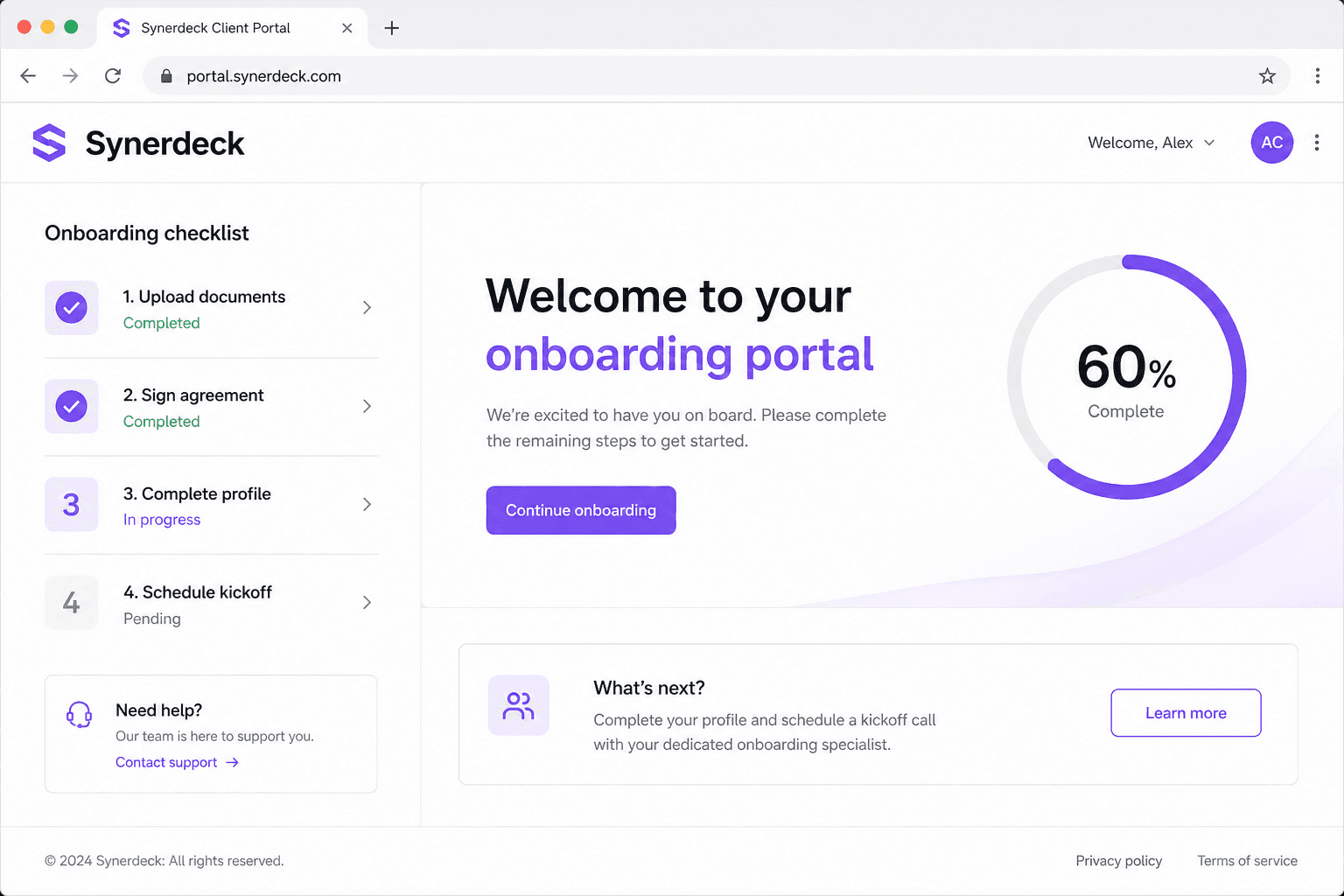
Follow these steps to manage templates in Synerdeck.
Before you begin
Make sure you have workspace admin permissions and access to the relevant client or settings area.
Instructions
- Sign in to your Synerdeck workspace.
- Open Settings or the relevant client record.
- Complete the action described in this article.
- Confirm the change with a test client view if applicable.
If you cannot complete an action, verify your role permissions or contact your workspace owner.
Troubleshooting
- Refresh the page and try again.
- Confirm your subscription includes the feature you need.
- Email support with screenshots if the issue persists.
Related help
Was this article helpful?
Related articles