DocumentationJanuary 13, 2026Updated January 13, 20261 min read
Creating Your First Client
Learn how creating your first client works in Synerdeck.
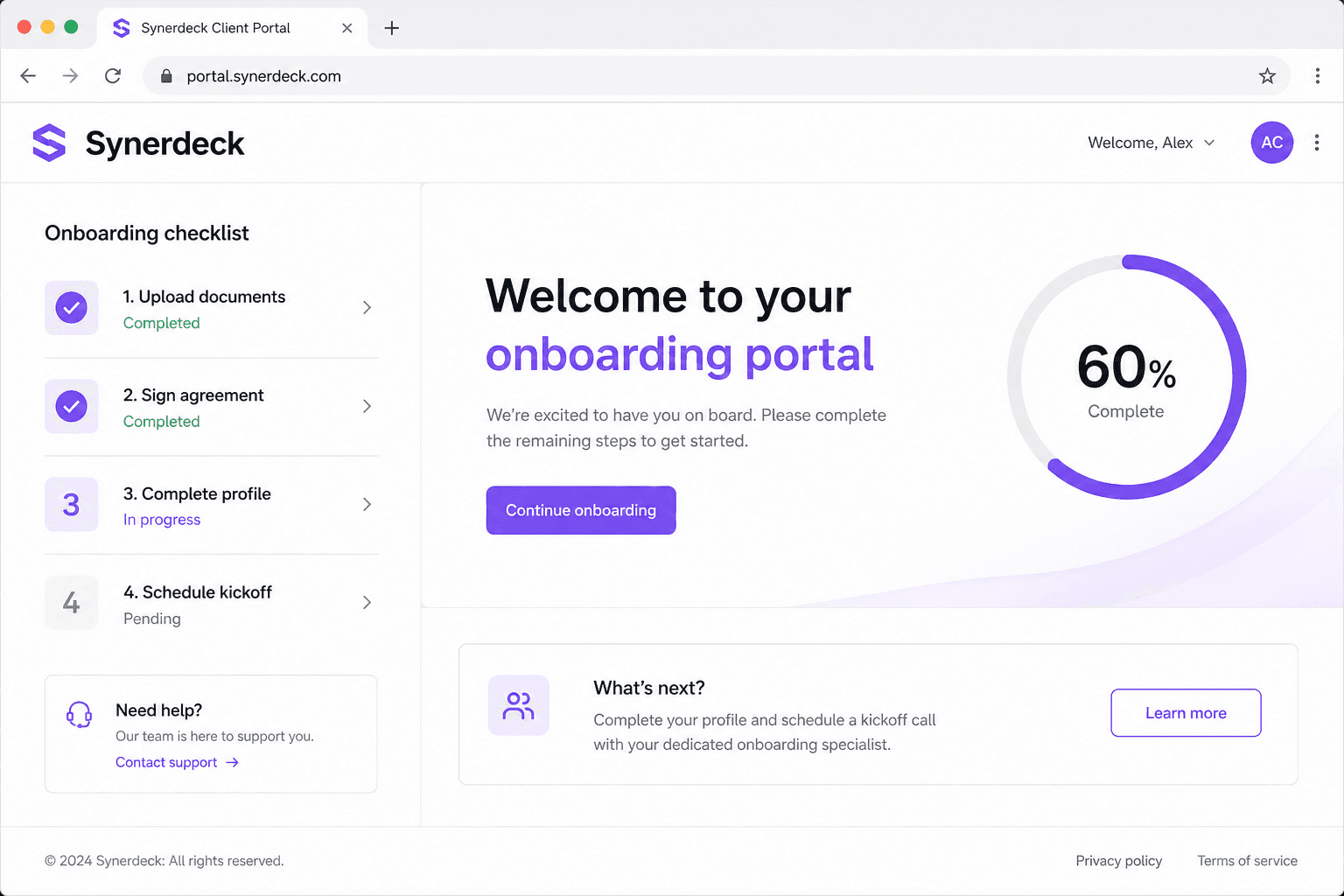
This documentation page explains how to use Creating Your First Client in Synerdeck.
Overview
Synerdeck helps agencies, consultants, and service teams deliver a polished onboarding experience with branded client portals, reusable templates, and automated reminders.
Steps
- Open your workspace dashboard.
- Navigate to the relevant section for creating your first client.
- Follow the on-screen prompts to configure settings.
- Invite a teammate or client to validate the workflow.
// Example: workspace configuration shape
const workspace = {
  name: "Northwind Studio",
  branding: { primaryColor: "#4F46E5" },
  onboardingTemplate: "agency-standard",
};
Need help? Visit the Help Center or contact support from your workspace settings.
Best practices
- Keep templates focused on outcomes, not internal jargon.
- Use due dates sparingly so clients know what matters now.
- Review completion analytics monthly.
See also
Was this article helpful?
Related articles
DocumentationJanuary 14, 20261 min read
Creating Your Workspace
Learn how creating your workspace works in Synerdeck.
DocumentationJanuary 12, 20261 min read
Creating Client Portals
Learn how creating client portals works in Synerdeck.