Secure Document Sharing Best Practices
Keep client files safe with private storage, access controls, and branded portals — without slowing onboarding.
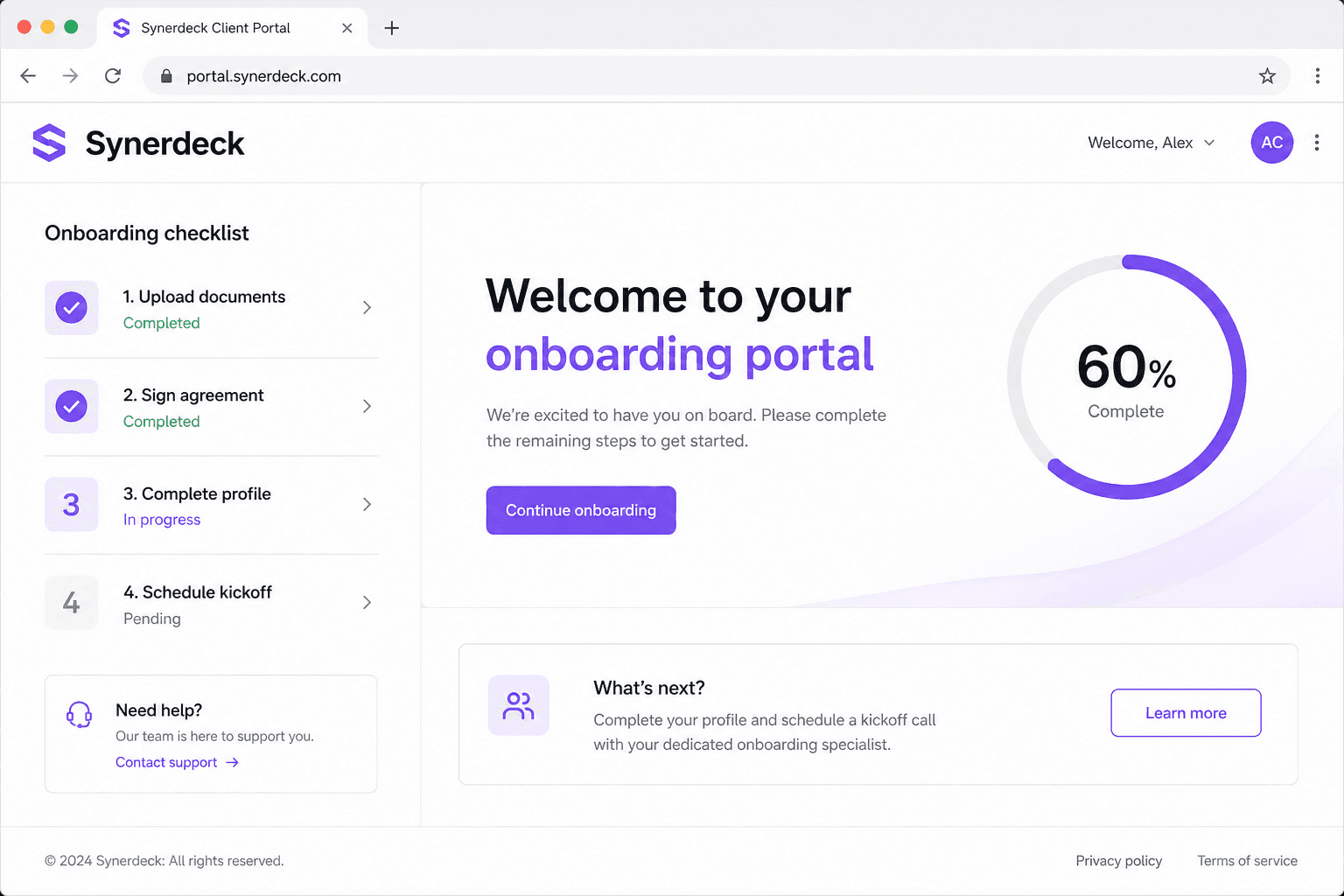
Client documents are some of the most sensitive files your business handles — contracts, IDs, tax forms, and project assets. Secure document sharing means collecting those files without email attachments, public links, or guesswork about who can open them.
Why this matters
Clients judge professionalism early. A structured, secure onboarding experience reduces anxiety, prevents rework, and creates momentum for the relationship.
- Clear expectations for what to upload
- Fewer status-check emails
- Safer document collection than inbox attachments
What great teams do differently
High-performing service businesses treat document collection as a product, not an afterthought. They use branded portals, private storage, and access controls so files stay protected while clients still finish onboarding quickly.
- Reusable upload checklists
- Branded client portals instead of email threads
- Private, workspace-scoped storage with signed URLs instead of public links
- Access controls so only the right people can open submitted files
Implementation playbook
Start with one service line or offer. Document the minimum viable onboarding path, then expand once clients consistently complete the flow.
- Map current steps and replace email attachments with portal uploads
- Remove internal-only tasks from the client view
- Confirm uploads are validated and stored privately before your team reviews them
- Review completion weekly
Start with one repeatable workflow before trying to automate everything. Synerdeck helps teams turn checklists into branded client portals with reminders and progress tracking.
Next steps
- Audit where client files currently live (email, Drive, chat).
- Standardize your first client-facing document checklist.
- Launch a branded portal for the next new client.
- Review completion rates and security posture after 30 days.
Related resources
- Complete Client Onboarding Guide
- Creating Client Portals
- Client Intake Form Template
- Security
- Privacy Policy
Frequently asked questions
How does Synerdeck protect uploaded documents?
Synerdeck stores client uploads in private, workspace-scoped storage with access controls and short-lived signed URLs. Only authorized workspace members can open submitted files.
How quickly can we improve onboarding?
Most teams see better client confidence within the first two engagements once expectations, documents, and kickoff steps are standardized.
Does Synerdeck replace our CRM?
No. Synerdeck focuses on the onboarding experience — portals, templates, documents, and task completion — while your CRM continues to own pipeline and account data.
Was this article helpful?
Related articles
How to Onboard Clients Professionally
A practical framework for delivering a premium first impression.
Client Onboarding Checklist
The essential checklist every service business should use before kickoff.
Best Client Portal Software
What to look for when choosing client portal software in 2026.